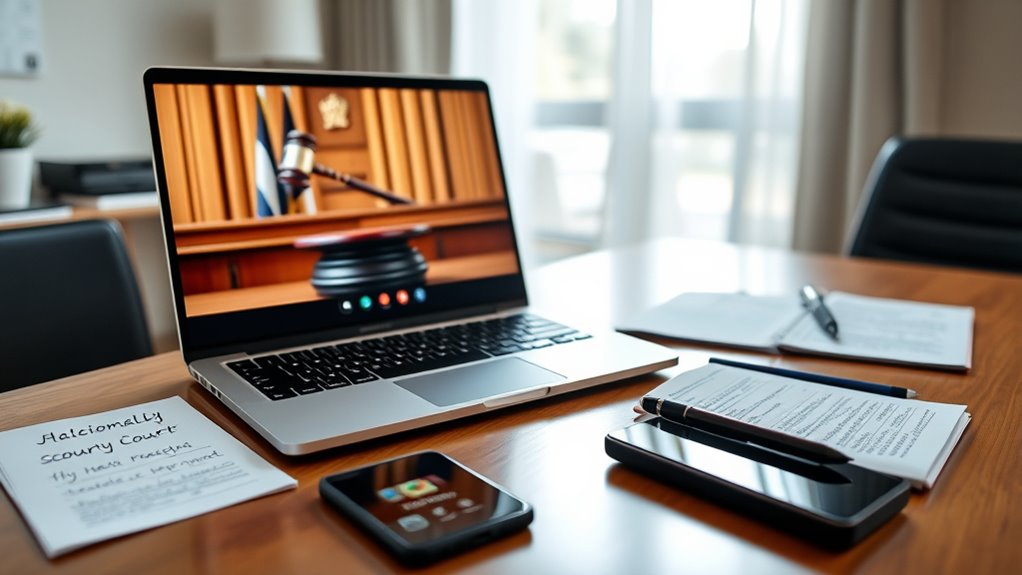

To prepare for virtual court proceedings, organize and label your digital evidence ahead of time, guaranteeing it opens correctly and meets court format requirements. Test your technology, including internet and device compatibility, to prevent disruptions. Dress professionally, choose a quiet, distraction-free space, and use a neutral background. During the hearing, follow courtroom etiquette, mute when not speaking, and maintain eye contact with the camera. Continuing will reveal key tips to confidently participate and ensure everything runs smoothly.
Key Takeaways
- Test your device, internet connection, and court platform beforehand to prevent technical issues during the hearing.
- Organize and label all digital evidence in accepted formats like PDF or JPEG for quick access.
- Dress professionally and choose a quiet, well-lit space to create a respectful virtual courtroom environment.
- Mute your microphone when not speaking and maintain eye contact by looking into the camera.
- Review court-specific guidelines and practice virtual participation to ensure smooth, confident proceedings.
Have you ever wondered how courts are adapting to modern technology? As virtual court proceedings become more common, understanding how to prepare and participate effectively is essential. One of the first things you’ll need to consider is how to handle evidence submission. Unlike traditional in-person hearings, submitting evidence electronically requires careful attention to deadlines and formats. You’ll want to guarantee all digital files are clear, properly labeled, and in the accepted formats, such as PDF or JPEG. Double-checking the court’s specific instructions on evidence submission can save you from unnecessary delays or objections. Additionally, maintain organized copies of your evidence, both digital and printed, in case the court requests them during the hearing. Being proactive about evidence submission also means testing your technology beforehand—confirm that your files open correctly and that your internet connection remains stable throughout the proceedings. This preparation helps prevent last-minute technical issues that could undermine your case. Ensuring your device is compatible with the court’s platform is also crucial to avoid disruptions during the hearing.
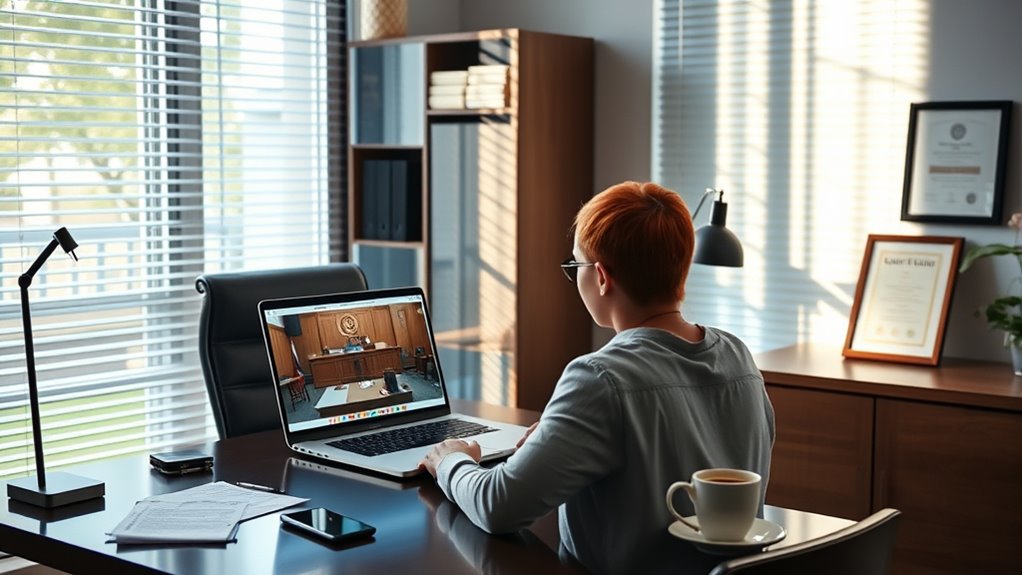
Alongside technical readiness, virtual etiquette plays a pivotal role in making sure the process runs smoothly. When participating in a virtual court, you need to treat the proceedings with the same respect as an in-person hearing. This includes dressing appropriately, ideally in business or formal attire, to show respect for the court’s authority. Find a quiet, well-lit space free from distractions, and guarantee your background is neutral and professional—avoid clutter or anything that could be deemed disrespectful or distracting. During the session, mute yourself when not speaking to minimize background noise and avoid interruptions. Remember to address the judge and other participants respectfully, using formal titles and maintaining a calm tone. Eye contact may be challenging on screen, but looking into your camera when speaking helps simulate direct engagement. Also, be mindful of virtual courtroom decorum, such as not eating, drinking, or engaging in side conversations. These actions can be perceived as disrespectful and may impact how your participation is viewed.
Making sure your water supply is adequate during the hearing can help you stay focused and comfortable throughout the proceedings.
Preparing thoroughly for evidence submission and practicing proper virtual etiquette can greatly influence your experience and the court’s perception of you. It shows respect for the process and demonstrates your seriousness about your case. Familiarizing yourself with the court’s technology platform and guidelines well before the scheduled hearing allows you to address potential issues early. By doing so, you can focus on presenting your case confidently and clearly, knowing that you’ve taken the necessary steps to participate effectively. Ultimately, embracing these practices helps guarantee that virtual court proceedings are fair, efficient, and respectful for everyone involved.
Frequently Asked Questions
How Do I Request an Interpreter for My Virtual Court Hearing?
To request an interpreter for your virtual court hearing, contact the court clerk or your attorney as soon as possible. Explain your language barriers and ask for interpreter services to guarantee clear communication. Many courts have procedures for arranging interpreters in advance, so make your request early. Confirm the interpreter’s availability before the hearing, and test your technology to ensure smooth communication during the session.
Can I Record or Take Screenshots During a Virtual Court Session?
Recording or screenshotting during a virtual court session is like trying to catch lightning—it’s usually prohibited. You shouldn’t do it because of privacy concerns and courtroom etiquette, which aim to protect everyone’s rights and confidentiality. Courts generally restrict recordings to preserve the integrity of proceedings. To avoid issues, concentrate on participating respectfully and following all rules, keeping the process fair and secure for everyone involved.
What Should I Do if I Experience Technical Difficulties During the Hearing?
If you experience technical difficulties during the hearing, quickly notify the court staff or your attorney through alternative communication methods like email or phone. Try basic tech troubleshooting, such as restarting your device or checking your internet connection. If issues persist, request a brief adjournment or ask if there’s a backup method, like a phone call, to make sure your participation continues smoothly. Staying proactive helps avoid missing important proceedings.
Are Virtual Court Proceedings Legally Binding and Recognized?
Sure, virtual court proceedings are as legally binding and officially recognized as traditional court sessions—because, of course, the digital age insists on respecting the same rules, even when you’re in pajamas. Your digital testimony holds legal validity, and courts accept online hearings, so long as you follow proper procedures. Rest assured, your virtual presence is just as powerful and legitimate as showing up in person—no digital diploma required.
How Can I Access Recordings or Transcripts of My Virtual Court Session?
You can access court recordings or transcripts by submitting a transcript request to the court clerk’s office. Start by identifying the case number and date of your virtual session. Request a court recording or transcript through their official website or in person. Be prepared to pay any applicable fees. Keep in mind, processing times vary, so ask about timelines when you make your request to guarantee you receive the documents promptly.
Conclusion
Preparing for virtual court proceedings might seem intimidating, but with the right approach, you can navigate it confidently. Remember to check your technology beforehand and stay focused during the session. Did you know that over 80% of courts worldwide now conduct virtual hearings? Embracing this change can streamline your experience and reduce stress. Stay prepared, stay attentive, and you’ll handle your virtual court appearance effectively—making the process smoother for everyone involved.